Higher productivity
Reduce fragmented tracking and repeated administrative effort.

Global Search
Coordinate projects, sites, budgets, procurement and progress with clearer records, responsibilities and oversight.
Projects, sites, budgets, procurement and progress. Explore how this application can help coordinate everyday activities, improve information access and support better business decisions.
A property or construction workflow may begin with a maintenance issue, project instruction or contract event, then proceed through assignment, approval, execution and cost verification.
Owners, site teams and contractors can see the status of work and supporting documents while managers review costs, deadlines and unresolved items.
For property owners, managers, contractors and developers, the right implementation can make daily work more consistent and give management clearer operational insight.
Reduce fragmented tracking and repeated administrative effort.
Identify exceptions and improve operational oversight.
Use consistent records and relevant management reporting.
Define responsibilities, permissions and review checkpoints.
The final architecture depends on the organisation's existing systems, security needs, integrations and deployment requirements.

Organise project budgets, milestones, labour and subcontractors.
Coordinate requisitions, supplier orders and site deliveries.
Track site reports, variations, claims and cost-to-complete.
Maintain structured records of sites, units and assets.
Organise agreements, renewals and supporting files.
Track charges, budgets and outstanding obligations.
Construction ERP can be evaluated for property owners, managers, contractors and developers. The specific workflows, records, approvals and reporting requirements depend on your industry and operating model.
Depending on technical feasibility, this application may exchange information with accounting, customer management, reporting, payment or operational systems.
Delivery planning considers infrastructure, migration, user training, acceptance testing and support arrangements. Available hosting and configuration options are confirmed during consultation.
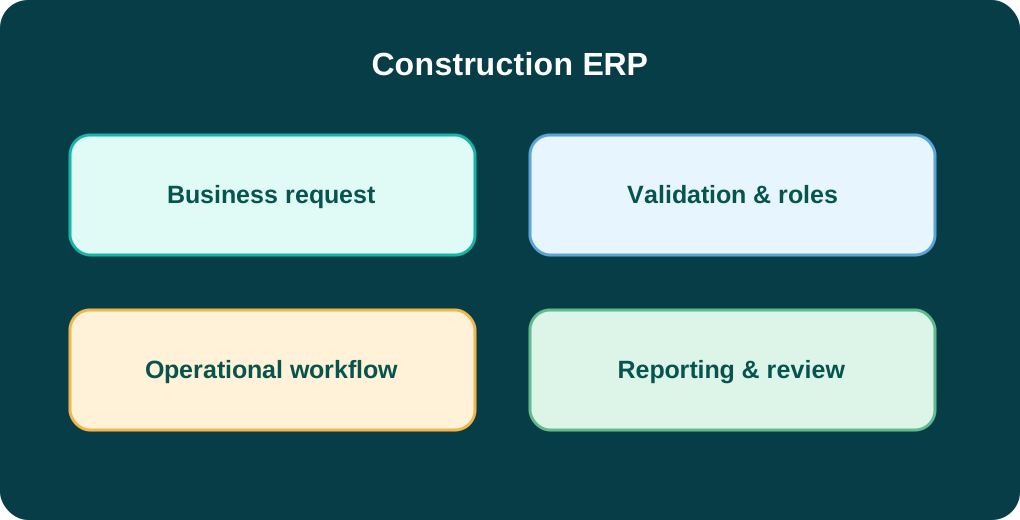
Construction ERP is intended for projects, sites, budgets, procurement and progress. A key area to assess is project and site planning: Organise project budgets, milestones, labour and subcontractors. The final functionality depends on the agreed implementation scope.
The catalogue lists Industry solution. These are catalogue labels, not a verified feature-by-version specification. Share your team size, locations and workflows so the appropriate option can be confirmed.
Integration feasibility depends on the systems involved, available APIs, data formats, security requirements and implementation scope. Provide the systems you use so compatibility can be assessed before quotation.
The proposed rollout for your property & construction organisation should be defined after reviewing data quality, user roles, hosting needs, training requirements and support expectations. Timelines and commercial terms are confirmed in a tailored proposal.
Tell us about your processes, team and objectives. We can discuss configuration, integration and delivery options.
Request a tailored demo →Browse other products →