Higher productivity
Reduce fragmented tracking and repeated administrative effort.

Global Search
Coordinate appointments, patient files and clinic billing with clearer records, responsibilities and oversight.
Appointments, patient files and clinic billing. Explore how this application can help coordinate everyday activities, improve information access and support better business decisions.
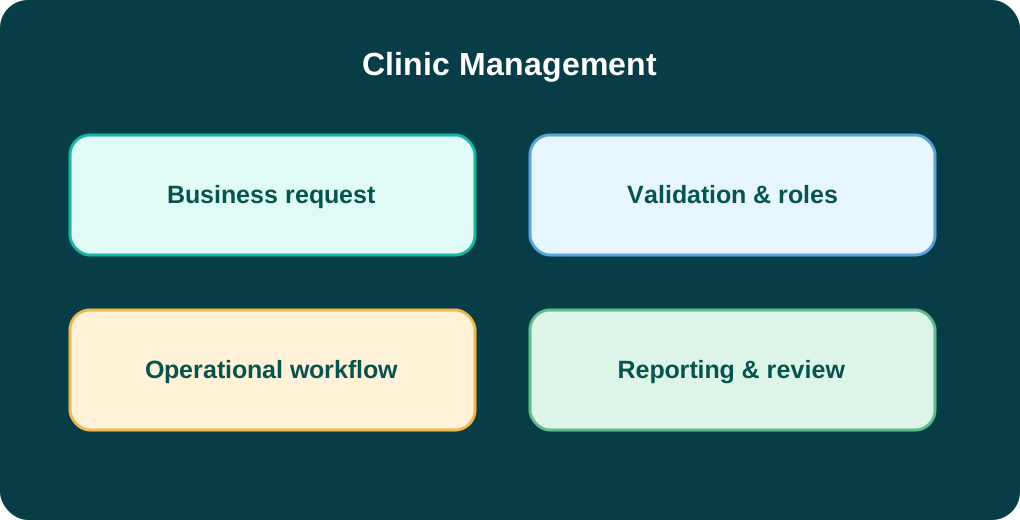
A typical journey begins with a patient enquiry or appointment, continues through registration and service coordination, and ends with billing, follow-up and authorised record updates. The application can be configured to keep each stage visible to the appropriate team.
A receptionist can see what is awaiting attention, clinical or service teams can record their part of the journey, and managers can review outstanding administrative work without relying on disconnected lists.
For hospitals, pharmacies, clinics and healthcare operators, the right implementation can make daily work more consistent and give management clearer operational insight.
Reduce fragmented tracking and repeated administrative effort.
Identify exceptions and improve operational oversight.
Use consistent records and relevant management reporting.
Define responsibilities, permissions and review checkpoints.
The final architecture depends on the organisation's existing systems, security needs, integrations and deployment requirements.

Coordinate bookings, patient check-in and clinician schedules.
Organise visit notes, service records and follow-up plans.
Track consultations, services, receipts and outstanding balances.
Coordinate patient-facing services, appointments and service delivery records.
Keep operational histories organised for authorised teams and follow-up.
Connect service charges, receipts and payment reconciliation workflows.
Clinic Management can be evaluated for hospitals, pharmacies, clinics and healthcare operators. The specific workflows, records, approvals and reporting requirements depend on your industry and operating model.
Depending on technical feasibility, this application may exchange information with accounting, customer management, reporting, payment or operational systems.
Delivery planning considers infrastructure, migration, user training, acceptance testing and support arrangements. Available hosting and configuration options are confirmed during consultation.
Clinic Management is intended for appointments, patient files and clinic billing. A key area to assess is appointment and queue: Coordinate bookings, patient check-in and clinician schedules. The final functionality depends on the agreed implementation scope.
The catalogue lists Management system. These are catalogue labels, not a verified feature-by-version specification. Share your team size, locations and workflows so the appropriate option can be confirmed.
Integration feasibility depends on the systems involved, available APIs, data formats, security requirements and implementation scope. Provide the systems you use so compatibility can be assessed before quotation.
The proposed rollout for your healthcare organisation should be defined after reviewing data quality, user roles, hosting needs, training requirements and support expectations. Timelines and commercial terms are confirmed in a tailored proposal.
Tell us about your processes, team and objectives. We can discuss configuration, integration and delivery options.
Request a tailored demo →Browse other products →